Klaviyo Campaign Send with AI recommendations
Wizard Flow sends Flexsee Campaign Send events to Klaviyo with per-customer product recommendations from synced commerce data.
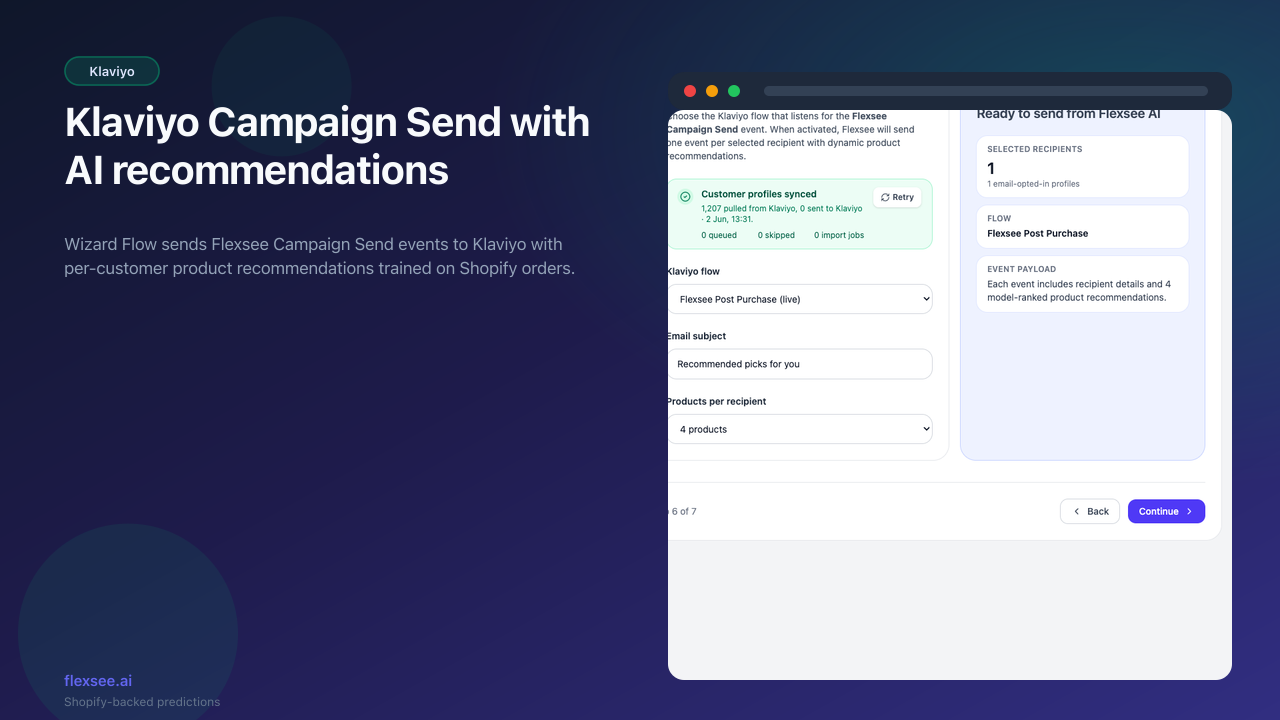
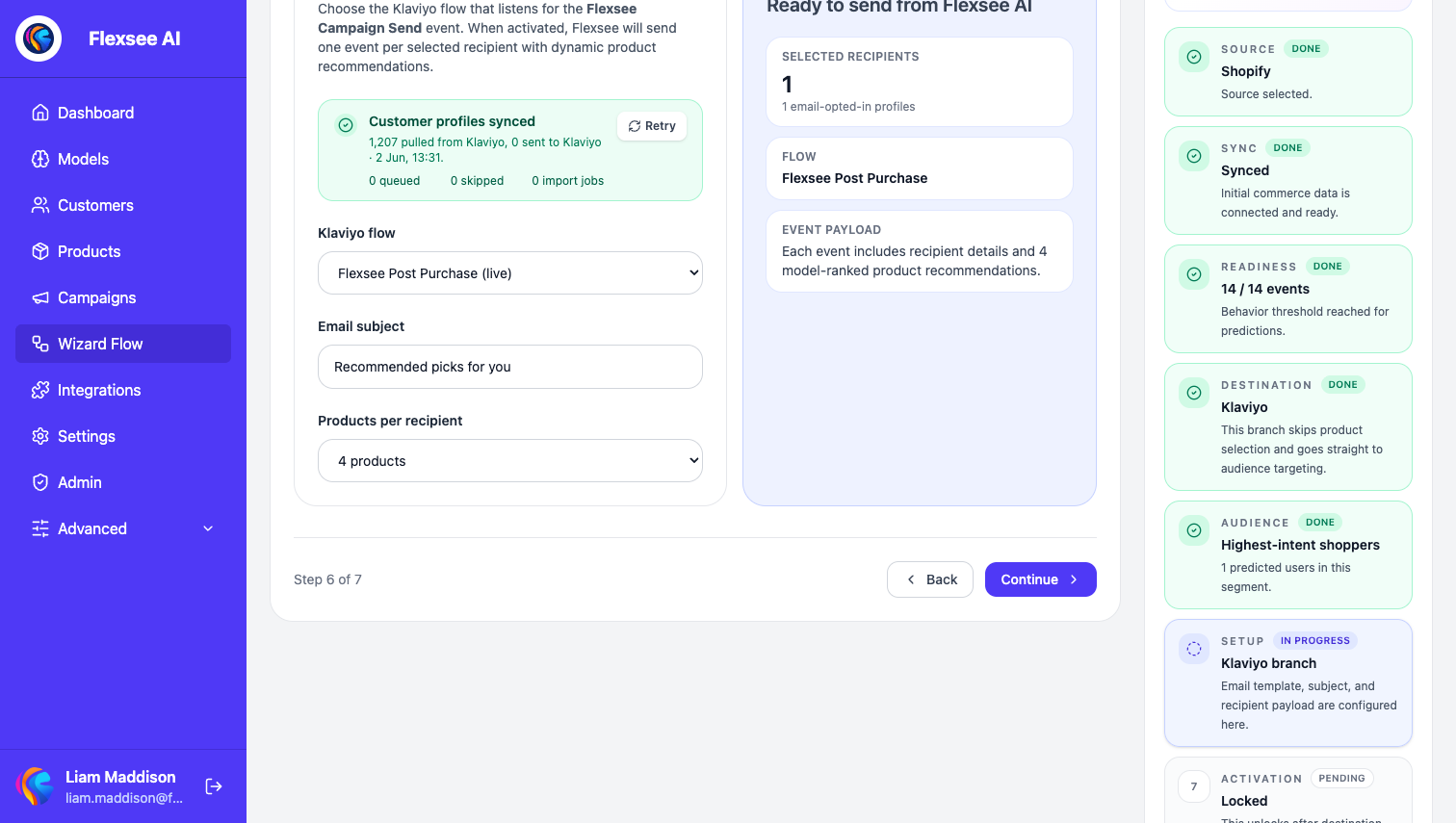
Flexsee Campaign Send connects Wizard Flow to Klaviyo metric-triggered flows so promotional emails carry per-customer AI recommendations from your synced commerce data.
What’s new
- Wizard Flow → Klaviyo activation path with flow picker and subject line on the email step
flexsee_recommendationson each Campaign Send event for template rendering- Audience eligibility based on synced customer email and marketing consent from Shopify
How to use it
- Connect Shopify or another commerce data source, connect Klaviyo, and create a Klaviyo flow on the Flexsee Campaign Send metric.
- In Wizard Flow, select the Klaviyo destination, pick your flow, and choose the audience.
- Activate — Flexsee sends events with recommendations for each selected profile.
Learn more
Documentation
Setup guides
Frequently asked questions
What Klaviyo metric triggers the recommendations?
Create a metric-triggered flow on Flexsee Campaign Send in Klaviyo, then pick that flow in Wizard Flow before you activate. Flexsee sends one event per selected profile with flexsee_recommendations for your template.
How does Wizard Flow prepare recommendations?
Yes. Wizard Flow handles recommendation setup for the selected commerce source. Connect Klaviyo, make sure your store sync has useful data, then activate from Wizard Flow.
Who is eligible for a campaign send?
Wizard Flow counts profiles with email and marketing consent Flexsee can read from synced Shopify or Klaviyo data. Run customer sync if audience counts look low.
Questions? hello@flexsee.ai
Comments