Customer profile editing and consent visibility
Edit customer email and phone in Flexsee, see Klaviyo and Shopify consent sources, and filter Campaign Flow audiences by marketing opt-in.
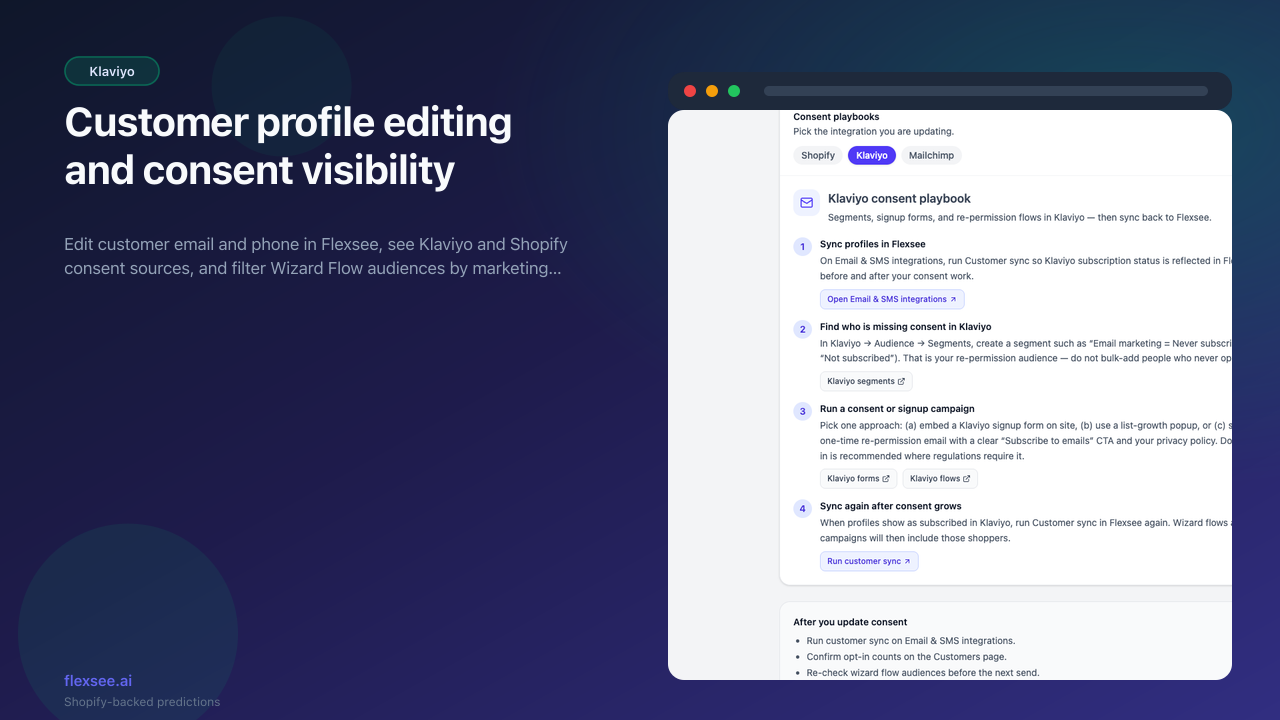
Customer profile editing and clearer consent visibility are landing so merchants can fix contact data and understand who is eligible for email before activating owned-channel campaigns.
What’s new
- Edit modal on the customer profile page for email, phone, and name fields
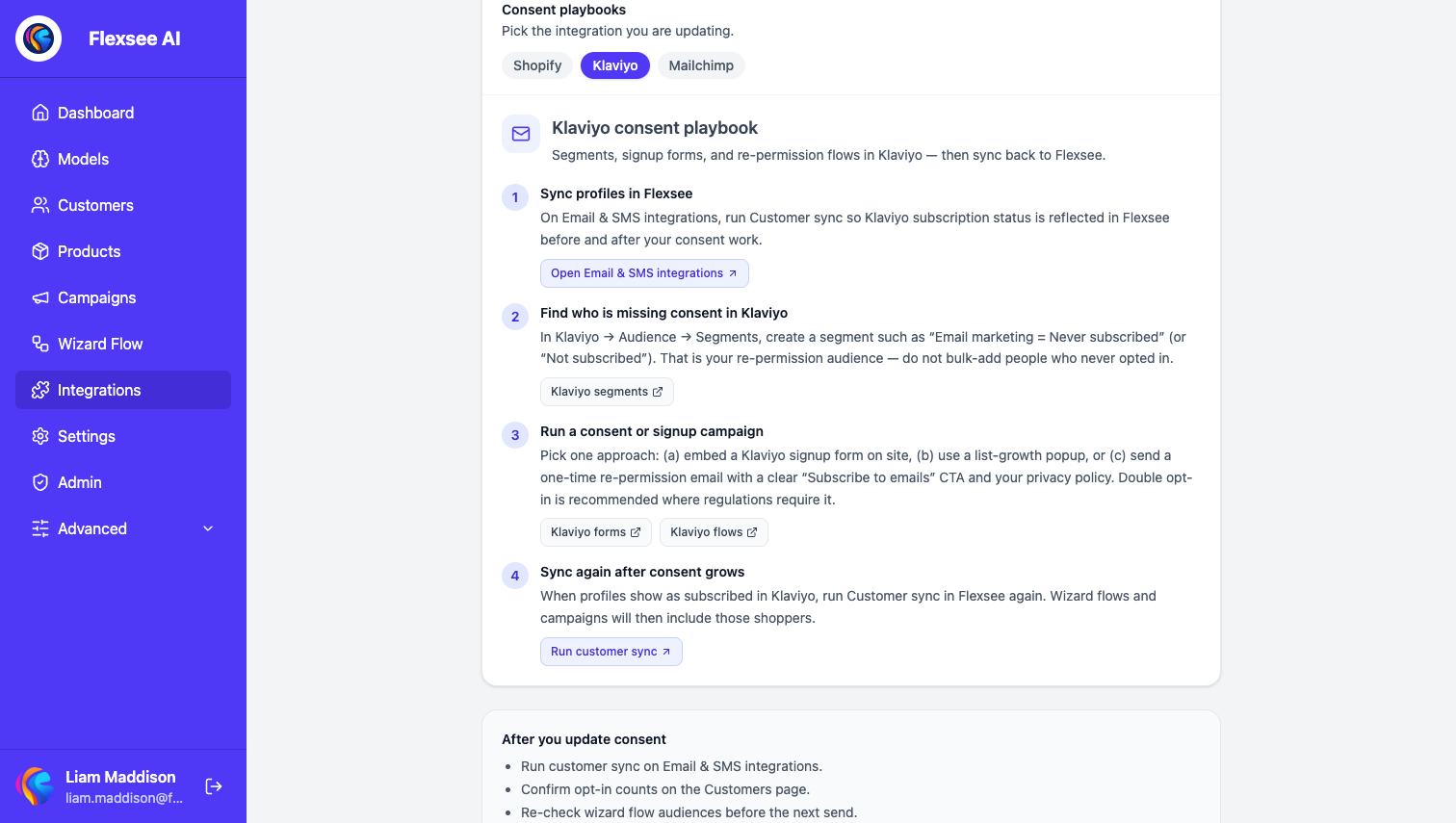
- Consent breakdown showing Shopify subscription state alongside Klaviyo marketing flags
- Audience filters in Campaign Flow that respect marketing opt-in when counting email recipients
How to use it
- Open a customer from Customers → profile.
- Use Edit to update contact fields; changes sync to connected marketing integrations where supported.
- On Campaign Flow email steps, review eligible vs opted-in counts before send.
Learn more
Documentation
Setup guides
Frequently asked questions
Where do I see marketing opt-in status?
On each customer profile — Shopify subscription state alongside Klaviyo marketing flags, so you know who is eligible before you activate a send.
Does editing email in Flexsee update Klaviyo?
When Klaviyo is connected, supported contact fields sync through the identity sync service. Re-sync customers if counts look stale after bulk ESP changes.
How does consent affect Campaign Flow audiences?
Email steps show eligible vs opted-in counts, and audience filters respect marketing opt-in so promotional sends do not target suppressed profiles.
Questions? hello@flexsee.ai
Comments