Canonical customer profiles across Shopify and Klaviyo
Flexsee merges Shopify and Klaviyo identities into one customer profile — edit details in the dashboard and sync opt-in state for campaign eligibility.
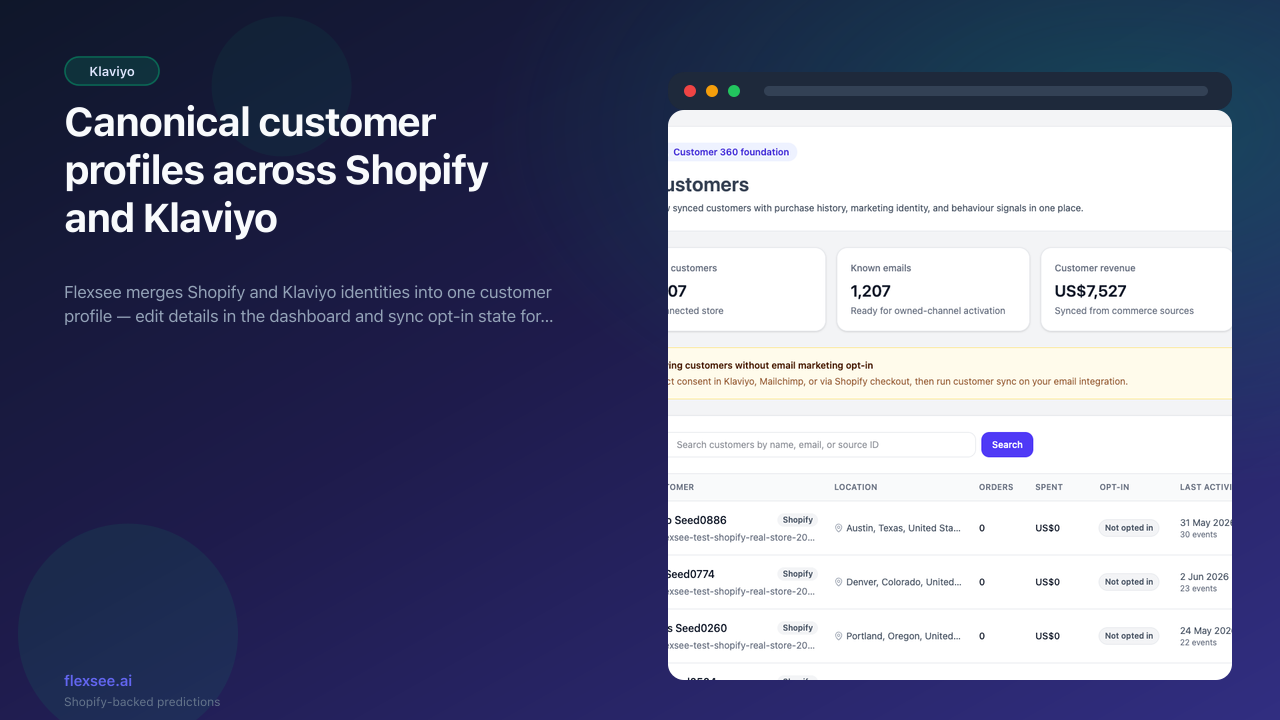
We are shipping canonical customer profiles so Flexsee treats each shopper as one record across Shopify orders and Klaviyo identity — making audience counts and email eligibility trustworthy before you activate Wizard Flow.
What’s new
- Unified Customer entity synced from Shopify with optional Klaviyo profile linkage
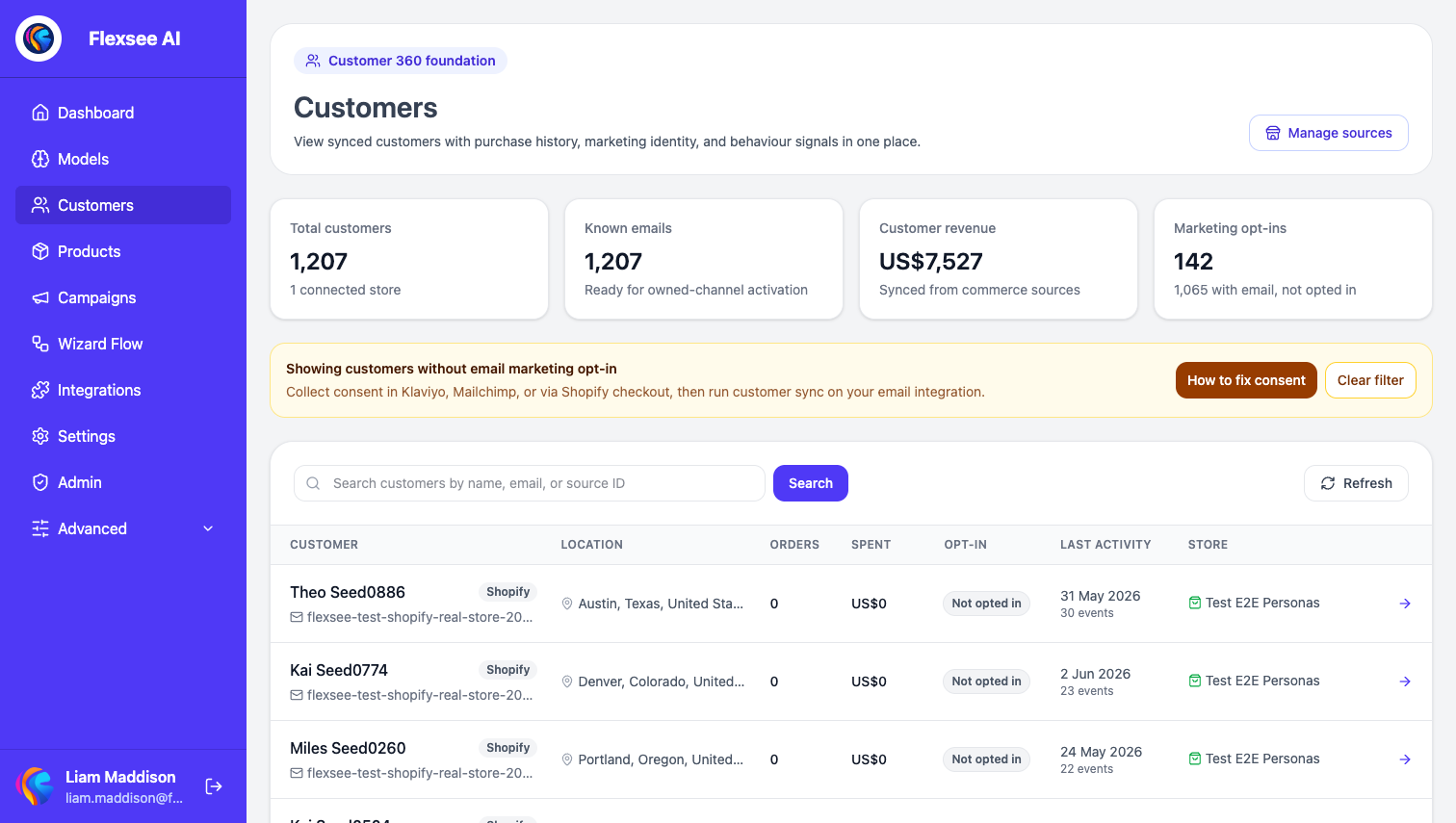
- Customer profile page in the dashboard with order history, opt-in flags, and editable contact fields
- Identity sync service that keeps Klaviyo properties aligned when you update a customer in Flexsee
How to use it
- Connect Shopify (and Klaviyo if you send email campaigns).
- Open Customers in the dashboard to browse profiles and consent state.
- Use profile filters when building Wizard Flow audiences so sends respect opt-in.
Learn more
Documentation
Setup guides
Frequently asked questions
What is a canonical customer profile?
One Flexsee record per shopper that merges Shopify order identity with optional Klaviyo profile linkage — the source of truth for audience counts and email eligibility.
Do I need both Shopify and Klaviyo connected?
Shopify is required for profiles and order history. Klaviyo linkage is optional but recommended when you send email campaigns from Wizard Flow.
Can I edit a customer in Flexsee?
Yes on the customer profile page. Supported contact fields sync to connected marketing integrations through the identity sync service.
Questions? hello@flexsee.ai
Comments