How to reconcile Meta Ads ROAS with Shopify revenue in Flexsee
Compare Meta Ads Manager reporting to Shopify order revenue in Flexsee Campaigns — spot attribution gaps and decide which campaigns are actually profitable.
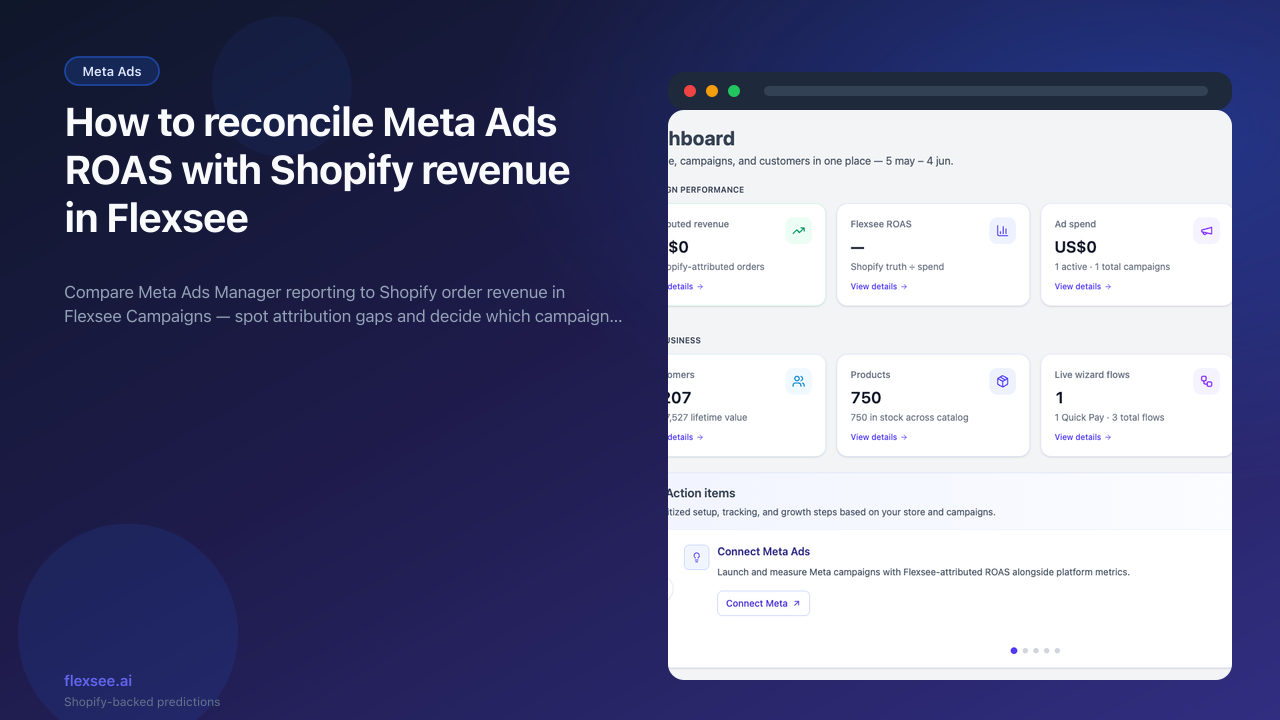
Meta Ads Manager and Shopify Admin rarely show the same return on ad spend (ROAS). Platform reporting optimizes for clicks and attributed purchases inside Meta; your finance team cares about paid orders in Shopify. This tutorial walks through reconciling both views in Flexsee Campaigns so you can judge campaigns on store revenue, not platform estimates alone.
When you finish, you will have a repeatable way to compare Meta and Flexsee numbers for the same date range and campaigns — and a short checklist for when the gap is attribution versus creative.
What you’ll accomplish
- A Flexsee Campaigns view aligned to the same period you use in Meta Ads Manager
- Side-by-side context for Meta platform ROAS versus Shopify-backed revenue
- A simple workflow to validate your Meta connection before changing budgets
Prerequisites
Before you begin, make sure you have:
- A Shopify store connected in Flexsee (Integrations → Datasources)
- Meta Ads connected under Integrations → Marketing Destinations
- At least one campaign with recent spend in Meta (so you have something to compare)
- A Flexsee account with access to Campaigns
Step 1 — Open Campaigns in Flexsee
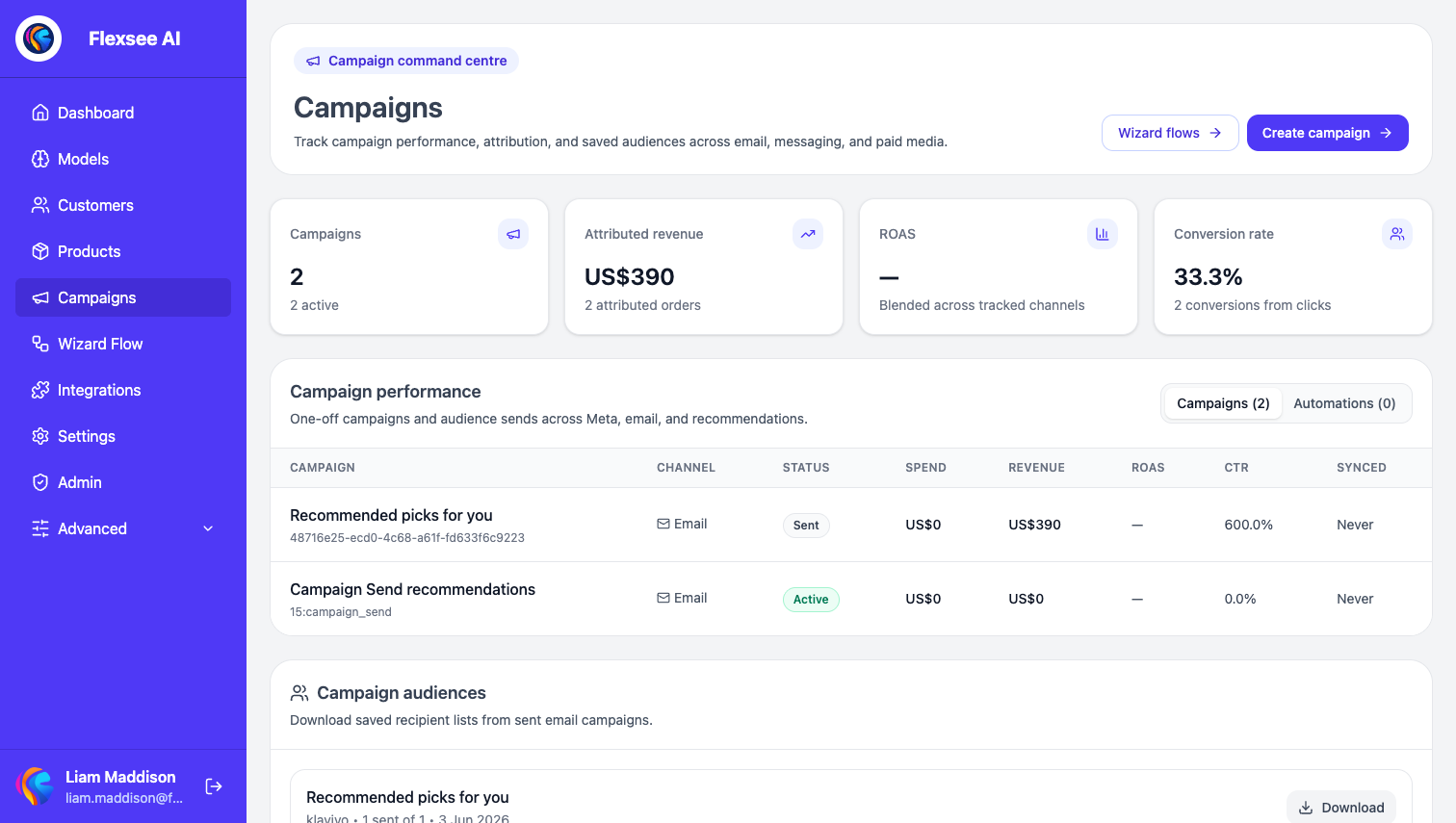
In this step, you will open the campaigns table and match the date range you use in Meta.
- Sign in to the Flexsee dashboard.
- Go to Campaigns from the main navigation.
- Select the date range that matches the period you are evaluating in Meta (for example, last 7 or 30 days).
The campaigns table shows spend, attributed revenue, and ROAS calculated from Shopify orders linked to your Flexsee tracking. Treat this as your reconciliation baseline — the numbers your P&L should respect.
Step 2 — Compare dashboard totals to Meta
In this step, you will pull the same period in Meta Ads Manager and note where the stories diverge.
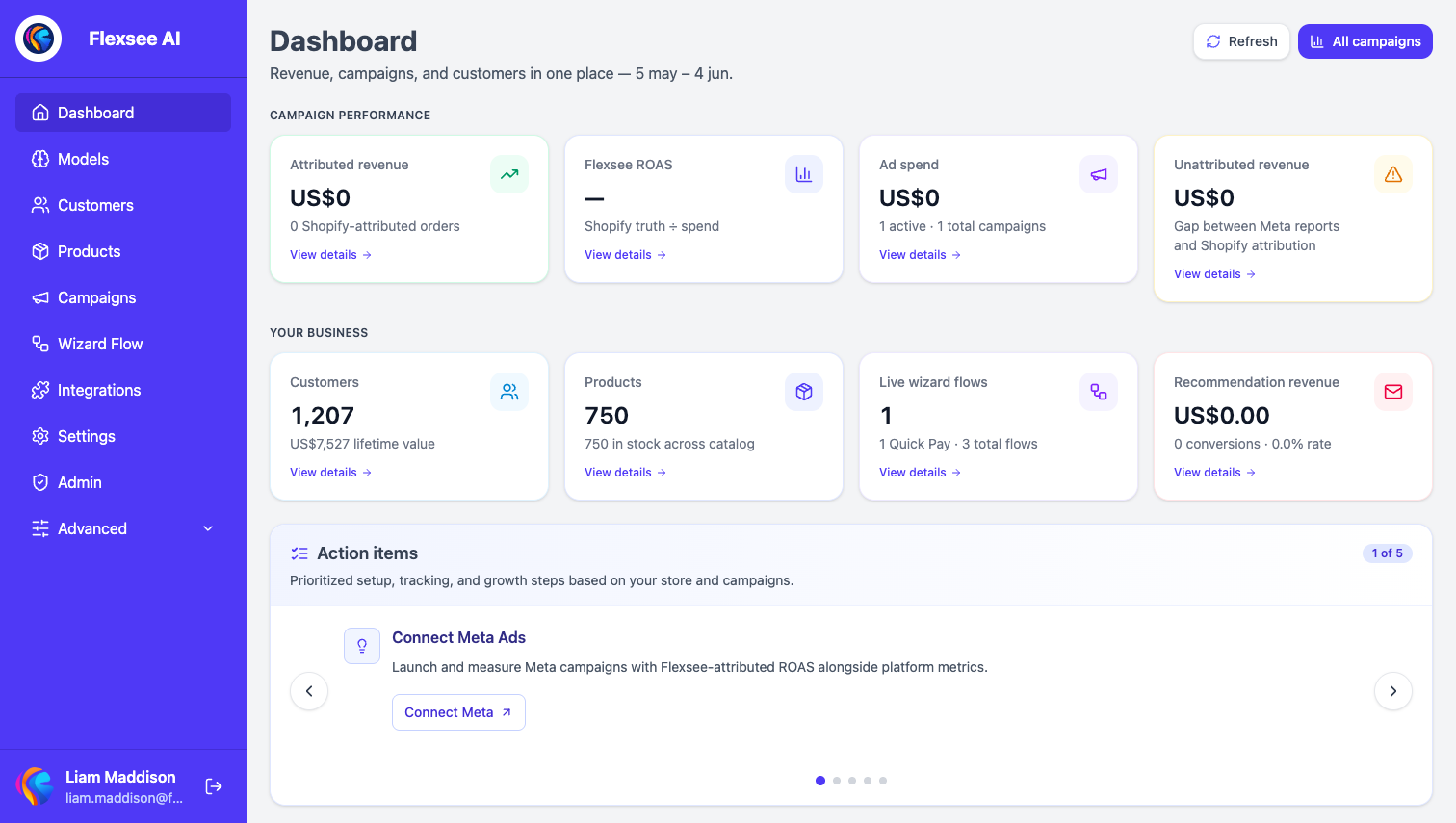
- Open Dashboard in Flexsee for a high-level view of revenue and prediction activity in the same period.
- Note total revenue or conversion trends from Shopify-sourced metrics.
- In Meta Ads Manager, export or write down ROAS for the same campaign IDs and dates.
Compare the same campaigns across three places:
If Meta and Shopify disagree by a wide margin, the creative may be fine — double-check attribution windows and order lag (often 48–72 hours) before you change budgets.
Step 3 — Validate Meta connection and exports
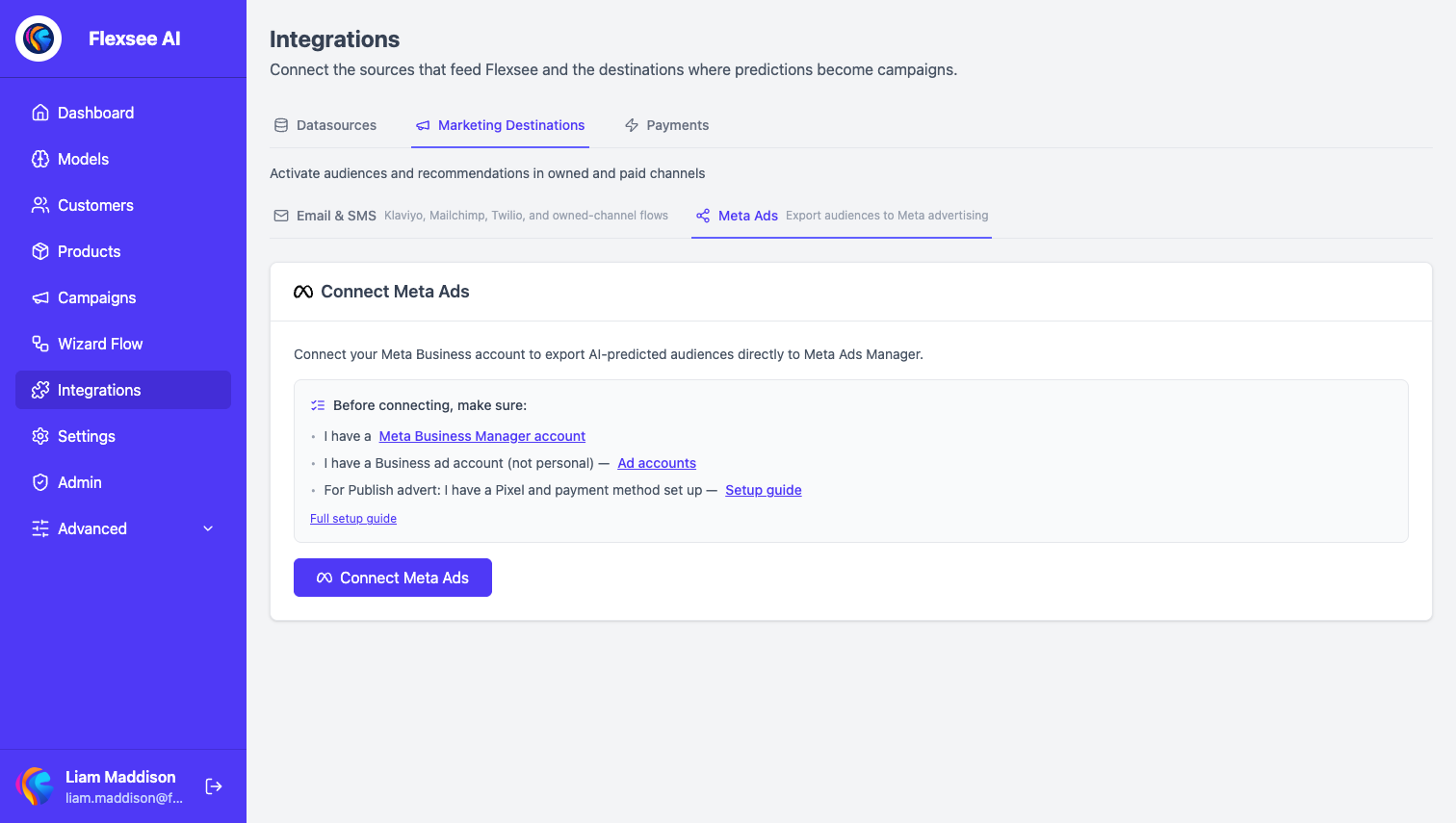
In this step, you will confirm integrations are healthy so empty or stale ROAS is not a sync issue.
- Go to Integrations → Marketing Destinations → Meta Ads.
- Confirm the ad account is connected and audiences or campaigns can sync.
- If ROAS in Flexsee is empty, verify Shopify orders synced recently and the campaign ran after you connected Meta.
If you export predictive audiences to Meta, re-run exports when seeds go stale — weak audiences can look like a ROAS problem when the real issue is targeting.
Practical reconciliation workflow
Use this order so you do not overreact to a single bad day in Meta:
- Pick one campaign — reconcile one ad set or campaign before the whole account.
- Align dates — same timezone and window in Meta, Flexsee, and Shopify.
- Wait for order lag — wait 48–72 hours after a spend spike before calling a winner or pausing.
- Segment by audience — compare lookalike versus retargeting; see our Meta lookalike guide for seed quality.
- Act on Shopify truth — scale when Flexsee-attributed ROAS clears your margin target.
Troubleshooting
Flexsee ROAS is blank
Usually Shopify sync, date range, or no spend in-period. Reconnect Shopify, widen the date range, and confirm the campaign ID appears in Meta for that window.
Meta ROAS is much higher than Flexsee
Often attribution window or view-through credit. Meta may count conversions Shopify attributes elsewhere; tighten comparison to click-based windows in Meta when testing.
Frequently asked questions
Which ROAS should I trust for budget decisions?
Use Shopify net revenue for profit and loss. Use Meta for delivery diagnostics (CPM, frequency, creative fatigue). Flexsee Campaigns bridges the two with order-backed ROAS.
Does Flexsee replace Meta reporting?
No. You still manage bids, creative, and placements in Meta. Flexsee adds a revenue column aligned with your store.
What if I only run prospecting lookalikes?
Same workflow — pick the lookalike campaign, align dates, and compare. Better seeds usually improve both Meta and Shopify-side results; see launching Meta campaigns from Flexsee.
See also
- Product update: Shopify-backed ROAS in Flexsee Campaigns — compare Meta Ads Manager ROAS to Shopify order revenue on the Campaigns tab.
Conclusion
You now have a three-source view of performance: Meta for delivery, Flexsee for Shopify-backed campaign ROAS, and Shopify Admin for net sales. Reconcile one campaign at a time before making large budget moves.
Comments