Shopify-backed ROAS in Flexsee Campaigns
Compare Meta Ads Manager ROAS to Shopify order revenue in Flexsee Campaigns — spot attribution gaps and see unattributed revenue.
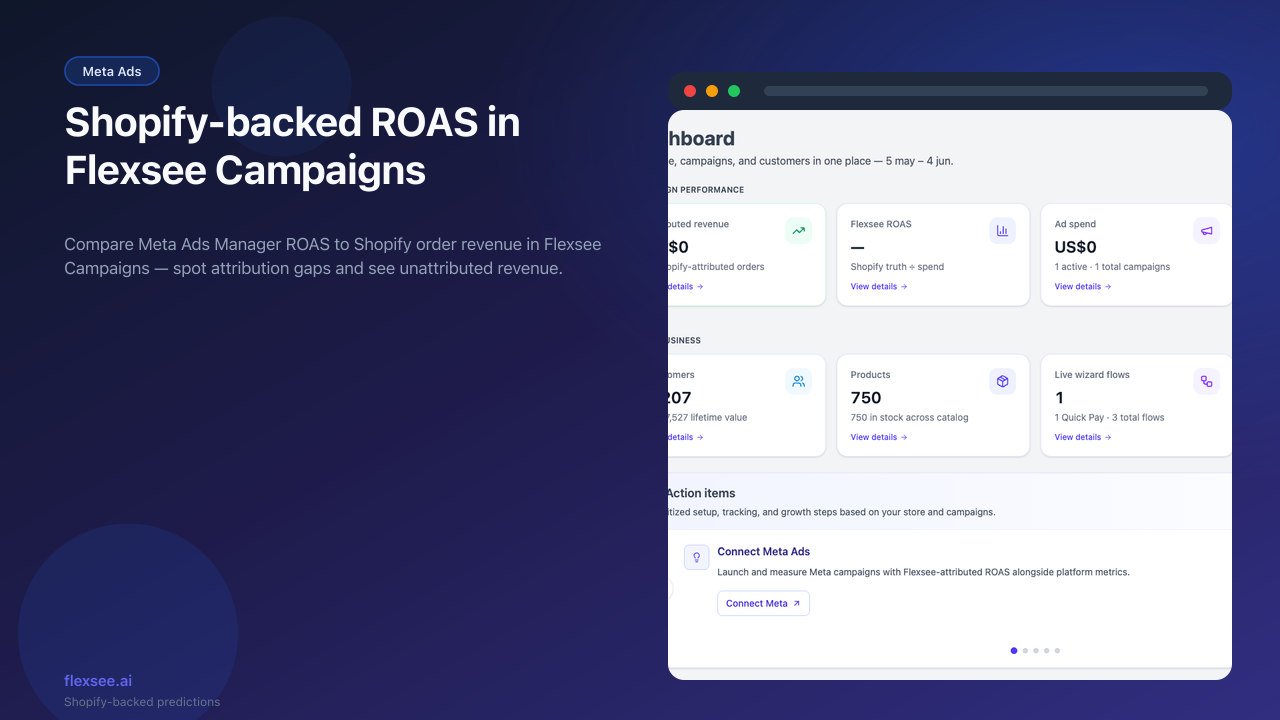
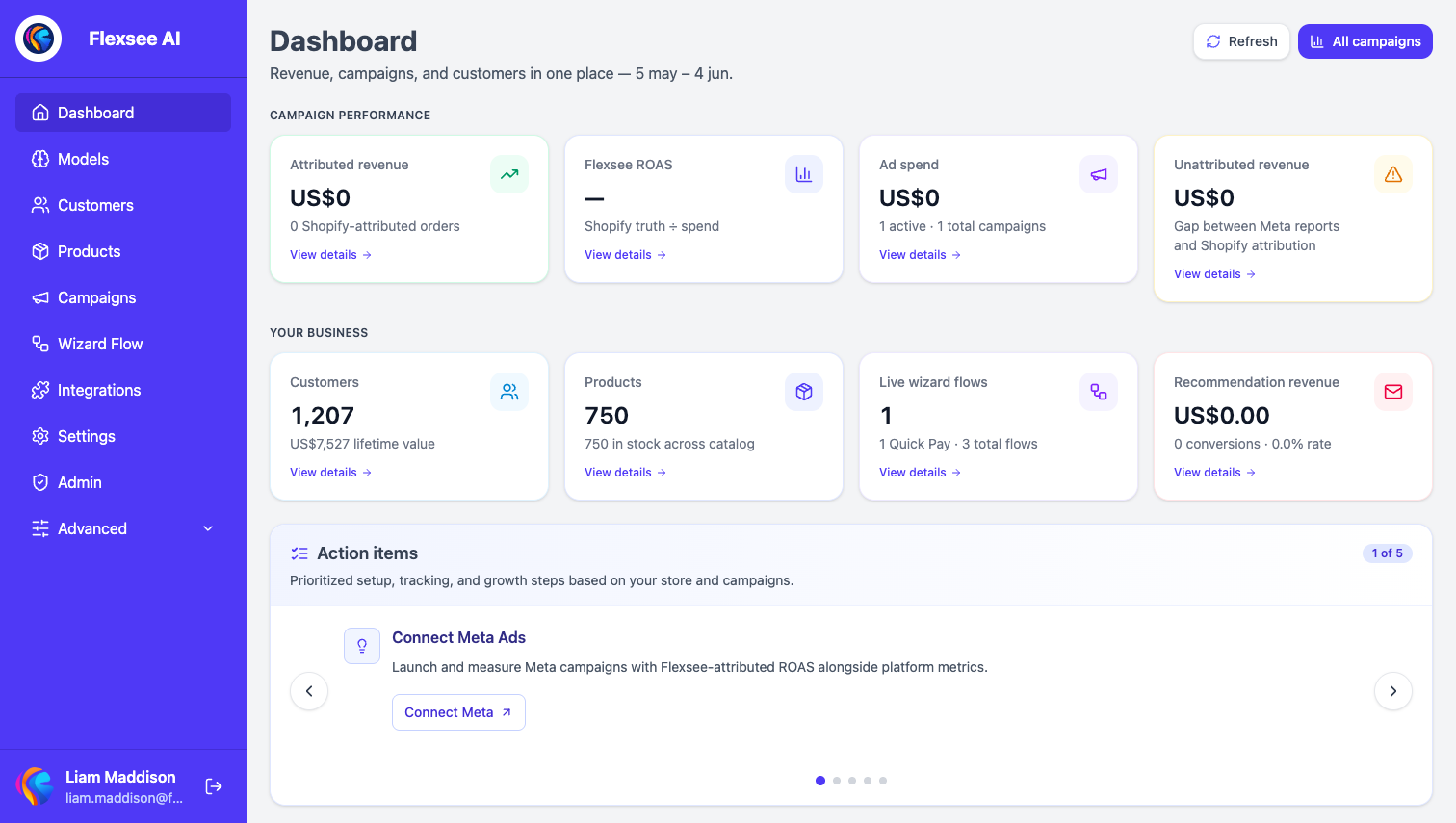
Flexsee Campaigns now shows Shopify-backed ROAS next to Meta Ads Manager metrics — so you can judge profitability on order revenue, not platform-reported conversions alone.
What’s new
- Flexsee ROAS column sourced from Shopify orders linked to campaign audiences and sends
- Unattributed revenue visibility when Meta reporting and Shopify totals diverge
- Campaign-level drill-down from the Campaigns tab into audience and send history
How to use it
- Open Campaigns in the Flexsee dashboard after publishing a Meta campaign from Wizard Flow.
- Compare Meta spend / ROAS with Flexsee ROAS for the same date range.
- Use the gap to decide whether to scale, refresh creative, or tighten audience seeds.
Learn more
Documentation
Setup guides
Frequently asked questions
What is Flexsee ROAS?
Shopify order revenue attributed to a campaign for your selected date range, divided by Meta spend for that campaign — a store-backed profitability view, not Meta platform ROAS alone.
When should I worry about a Meta vs Flexsee ROAS gap?
When Meta credits view-through or long attribution windows that Shopify attributes elsewhere. Use Flexsee ROAS for budget decisions tied to net store revenue; use Meta for delivery diagnostics (CPM, frequency, creative fatigue).
Do I need Shopify connected?
Yes. Flexsee ROAS requires synced Shopify orders linked to campaign audiences and sends from Wizard Flow.
Questions? hello@flexsee.ai
Comments